UniFi Device Scanner
Find every Ubiquiti UniFi device on a network and adopt them to your controller in seconds. A free desktop tool from CaptiFi, no account required.
Made by CaptiFi Ltd. UniFi and Ubiquiti are trade marks of Ubiquiti Inc.; this tool is not affiliated with or endorsed by Ubiquiti.
Built by installers, for installers
Every rollout starts the same way: you walk into a venue, plug in, and try to work out what Ubiquiti kit is already on the network, and how to point it at the controller. We got tired of juggling the UniFi app, SSH terminals and generic IP scanners just to get devices adopted.
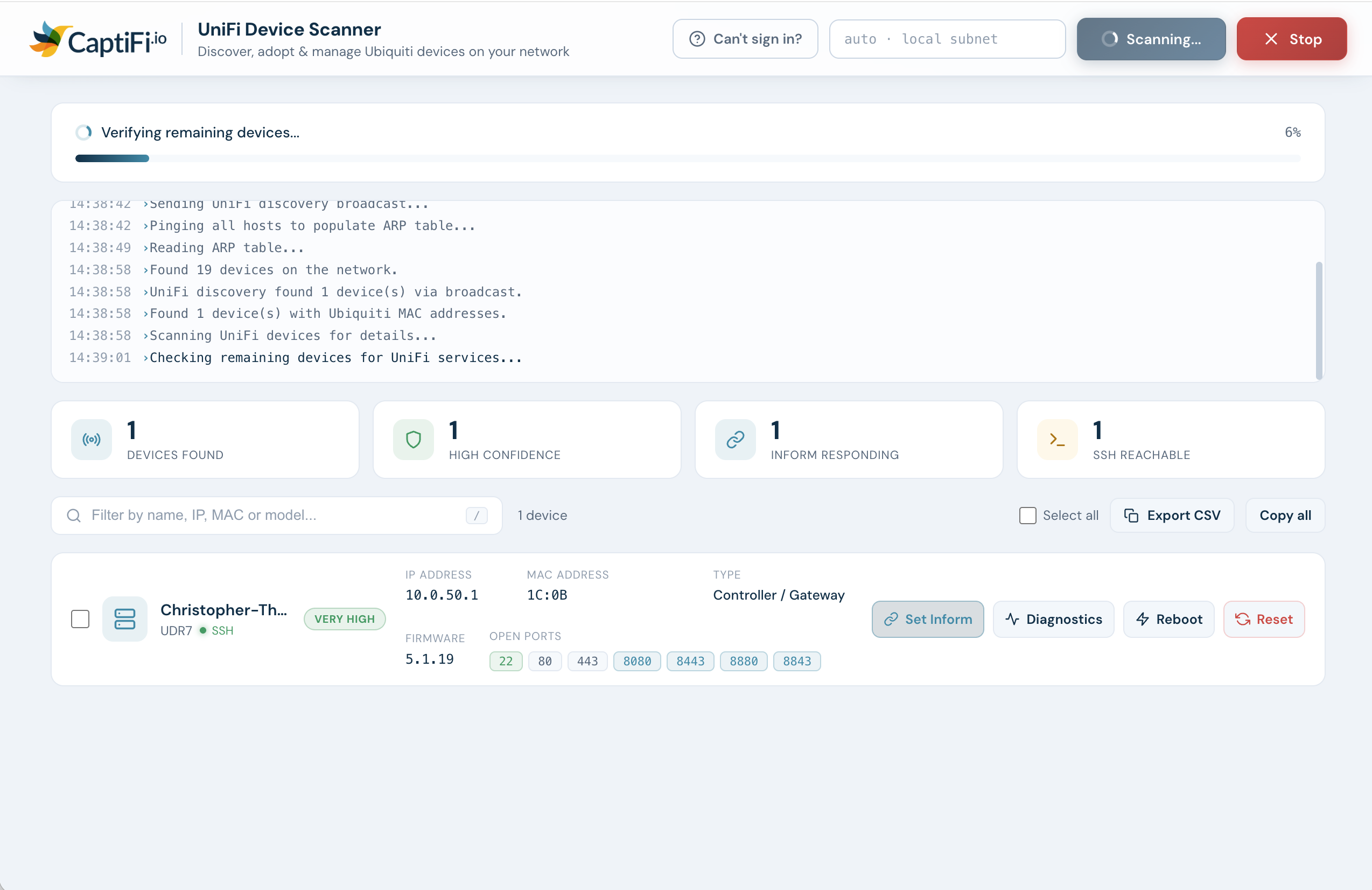
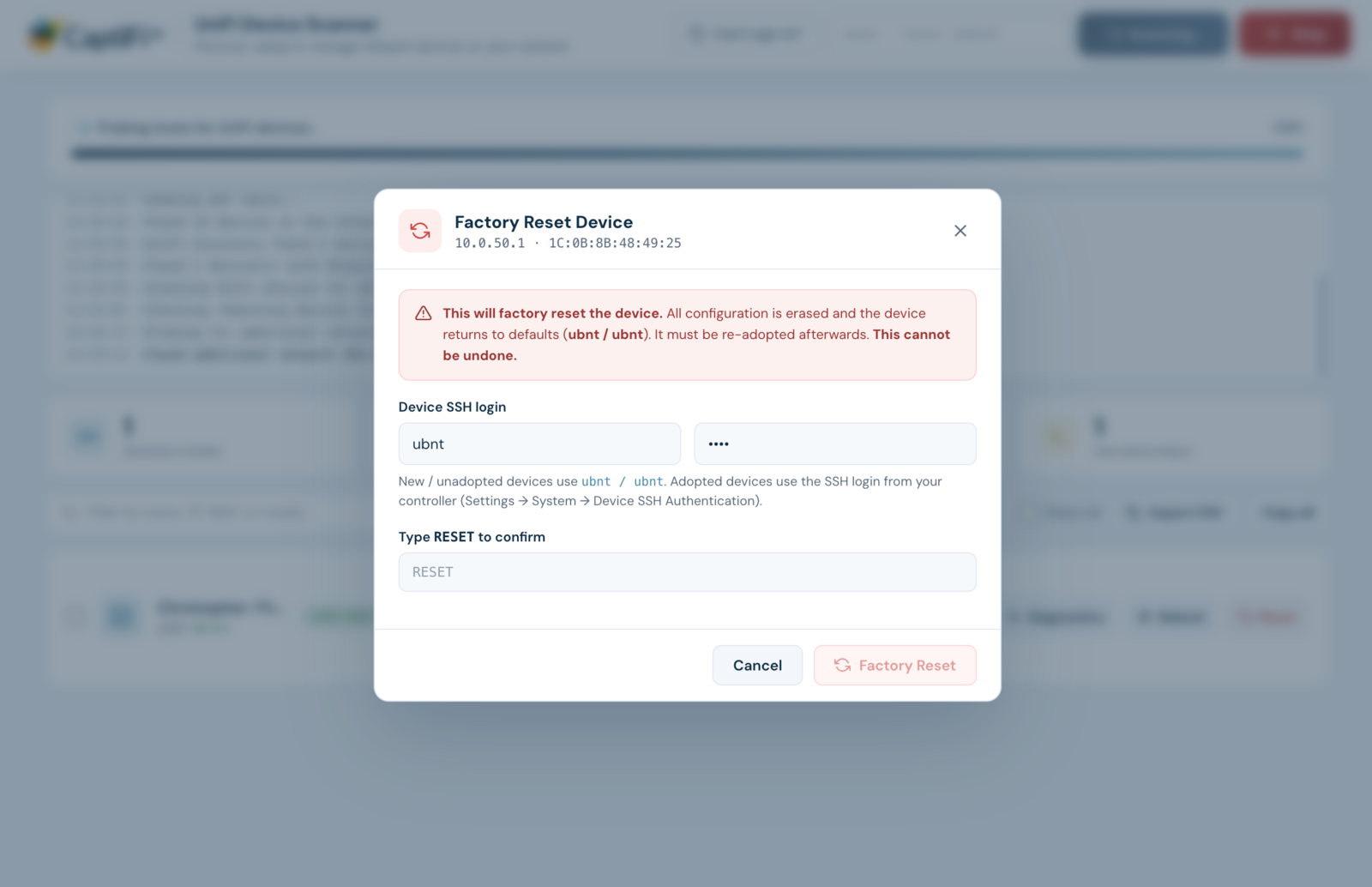
So we built one small tool that does the whole job. Point it at the network, and it finds every UniFi access point, switch and gateway (even across VLANs and subnets), then lets you set-inform, adopt, reboot, run diagnostics or factory-reset them straight from a clean list. It runs entirely on your laptop; nothing ever leaves the machine.
See it in action
From a full network scan to one-click adoption, live diagnostics, reboot and factory reset, all from one clean list.
Everything you need on site
Finds every device
ARP, UniFi discovery and port fingerprinting combine to surface every Ubiquiti AP, switch and gateway, including ones on other VLANs or subnets.
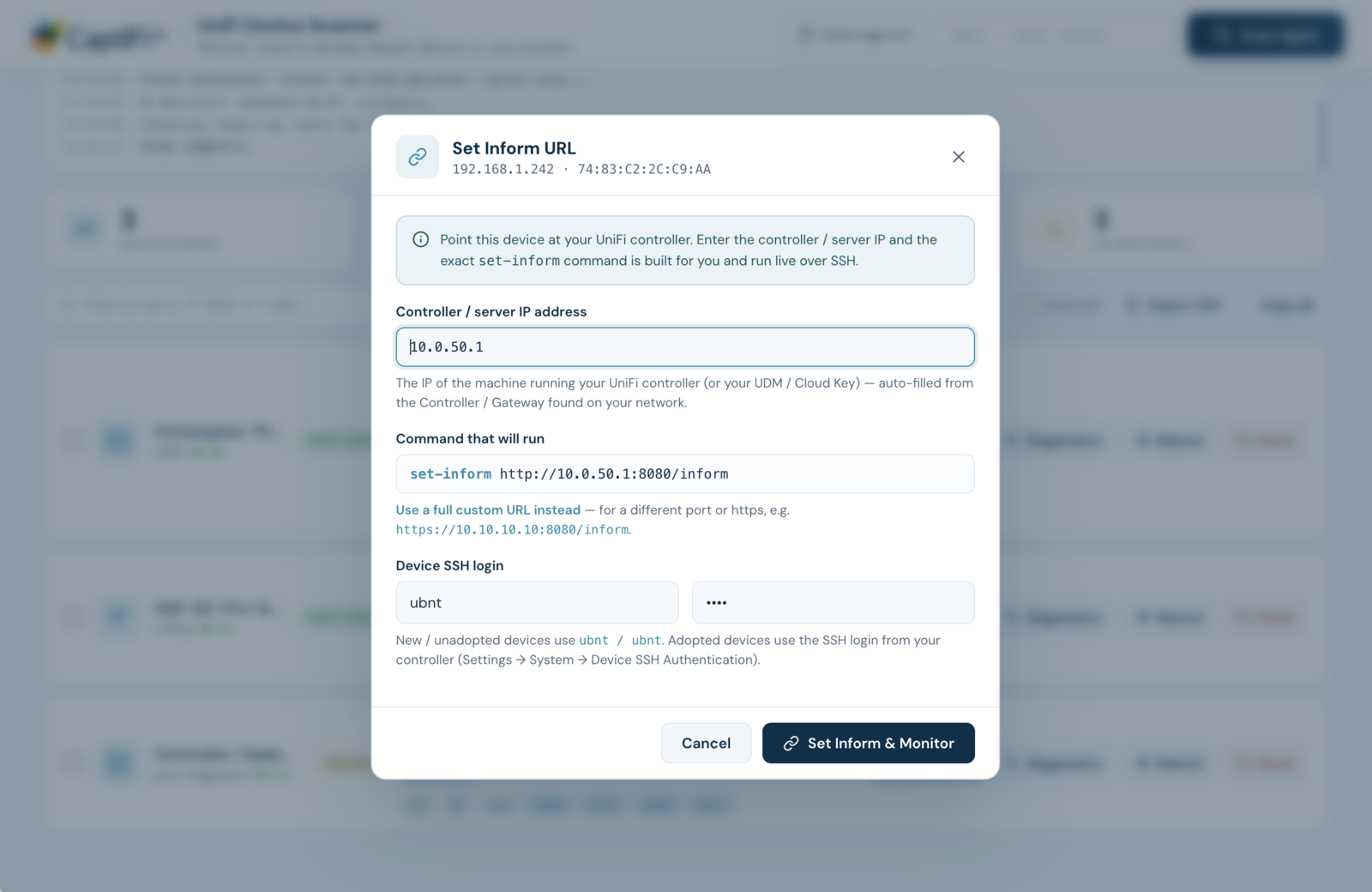
One-click Set Inform
Point a device at your controller with the exact command built for you. Tick multiple devices and set-inform a whole site in one go.
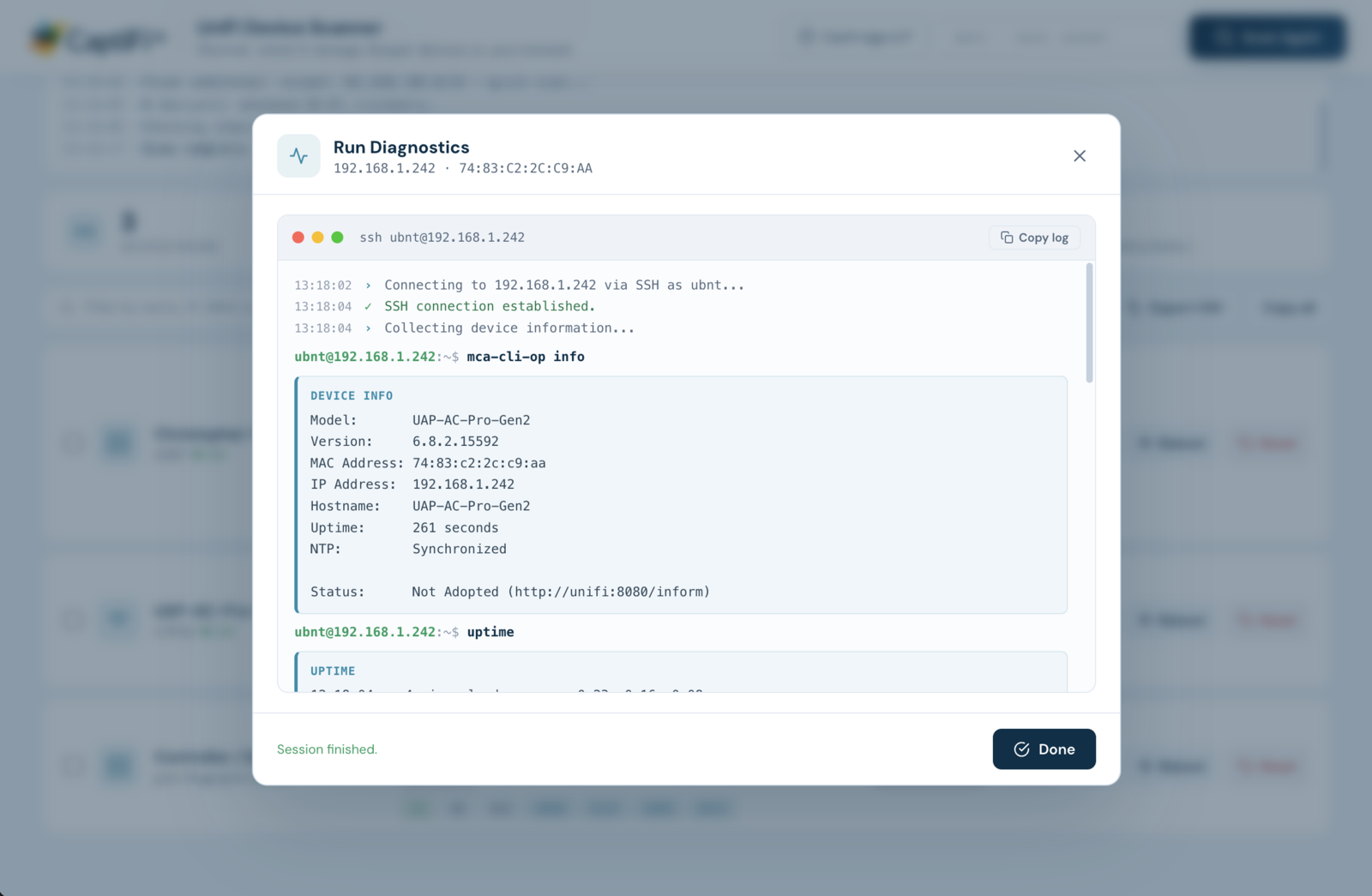
Live SSH terminal
Watch every command run in real time. No separate SSH client, no copy-pasting IPs, and a Stop button to cancel any action instantly.
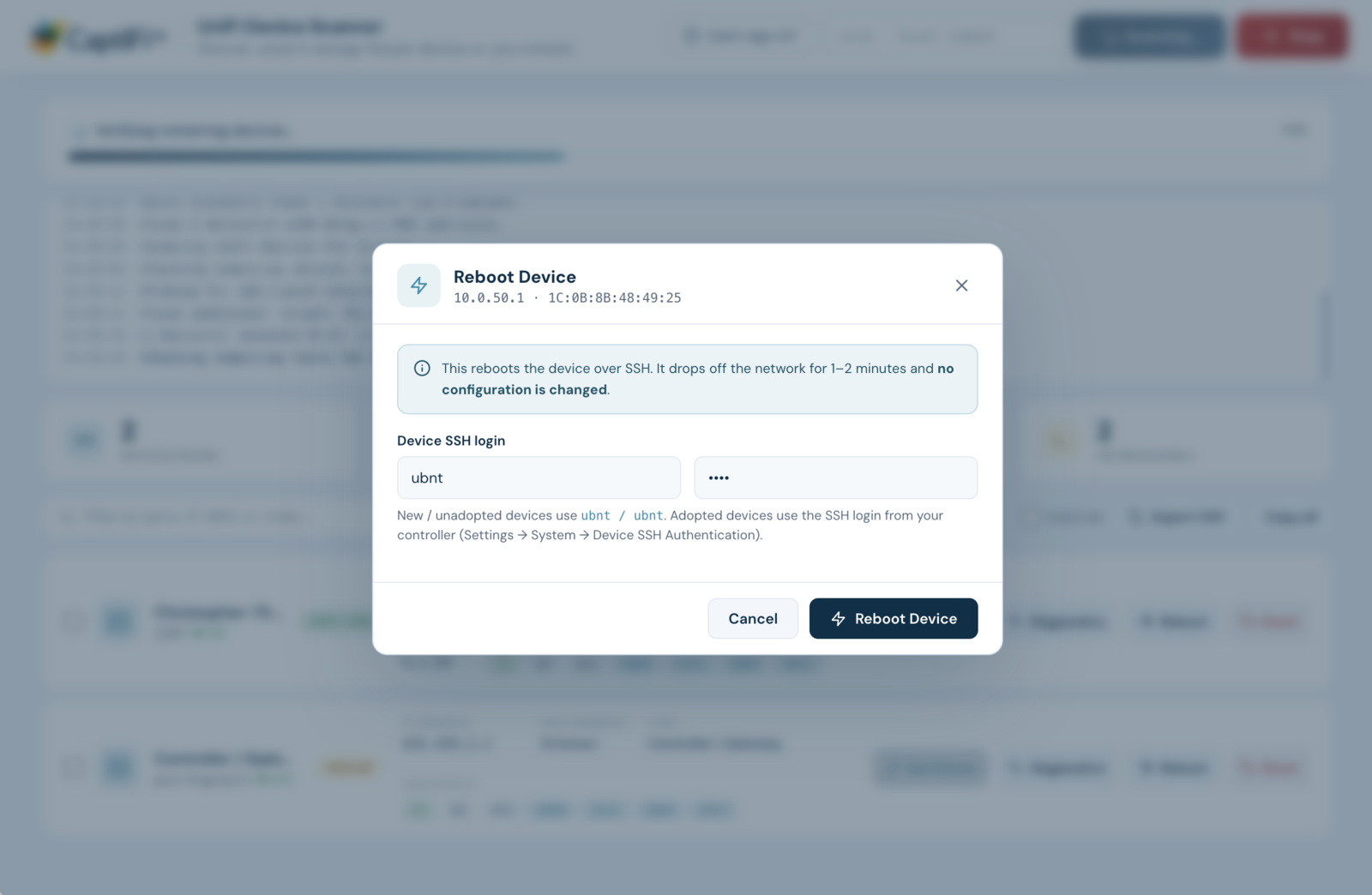
Reboot & reset
Reboot or factory-reset over SSH, with a guided hardware-reset walkthrough for when you don't know a device's password.
Instant diagnostics
One click checks device info, uptime, gateway and internet connectivity, and DNS, so you spot a bad drop or uplink before you leave.
Runs locally & privately
The tool runs entirely on your laptop and only ever scans the network you're on. No cloud, no accounts, nothing sent anywhere.
Adopt a whole venue in three steps
Download & open
Install it on your Mac or Windows laptop. It opens in its own window, with no browser or server to set up.
Connect & scan
Join the venue's network and hit Scan. Every UniFi device appears in a clean list within seconds.
Select & Set Inform
Tick the devices, hit Set Inform to point them at your controller, then approve them for adoption.
Download the UniFi Device Scanner
Free, version 1.1.0. macOS and Windows.
* These builds aren't from the App Store / Microsoft Store, so your computer may warn you the first time.
macOS: right-click (or Control-click) the app in Applications, choose Open, then Open again. If it's still blocked, go to System Settings → Privacy & Security and press Open Anyway, or run xattr -dr com.apple.quarantine "/Applications/Captifi UniFi Scanner.app" in Terminal.
Windows works a little differently: unzip the download and run Captifi UniFi Scanner.exe; if a blue SmartScreen box appears, click More info → Run anyway.
On the first scan, allow local network access when asked.
System requirements
- macOS 11 or later (Apple Silicon or Intel)
- Windows 10 or 11
- On the same local network as the devices
- Default SSH login (ubnt / ubnt) or your controller's device login
UniFi Device Scanner FAQ
How do I find all the UniFi devices on a network?
Download the free UniFi Device Scanner, connect your Mac or Windows laptop to the same network, and click Scan. It combines ARP, UniFi discovery and port fingerprinting to list every Ubiquiti access point, switch and gateway, including devices on other VLANs or subnets.
How do I set-inform a UniFi device to a remote controller?
Select the device, enter your controller / server IP, and the scanner builds and runs the exact set-inform http://<controller-ip>:8080/inform command over SSH for you. You can tick several devices and set-inform a whole site at once.
How do I adopt a UniFi access point?
Point the device at your controller with Set Inform, then approve it in your UniFi Network controller. The scanner monitors the device status live so you can watch it move to "Connected".
What if I don't know the device's SSH password?
New or unadopted devices use the default ubnt / ubnt login. If a device is already adopted and you don't have its password, use the built-in "Can't sign in?" guide to factory-reset it by hand, then adopt it fresh.
Does the UniFi Device Scanner work on Mac and Windows?
Yes: there are native downloads for macOS (Apple Silicon and Intel) and Windows (64-bit and ARM). It opens in its own window; there's no browser or separate server to set up.
Is it free, and is it safe to run?
It's completely free with no account required. It runs entirely on your own laptop and only ever scans the network you're connected to; nothing is sent to the cloud.
Turn that hardware into recurring revenue
Once a venue's UniFi kit is adopted, CaptiFi turns its guest WiFi into a marketing machine: capturing emails, driving Google reviews and automating campaigns. Installers earn on every site.
Already on UniFi and only need the guest list? Lite is $24.99 a month: guest capture and CSV export on the UniFi kit you have, 500 new guests a month.