WiFi Hardware
Compatibility
CaptiFi works with nine WiFi vendor ecosystems as an external captive portal. Seven of them have a card in the set-up wizard, and MikroTik and DrayTek are set up with our support team. No new hardware needed: connect the access points you already run, or use our included plug-and-play device.








The compatibility matrix
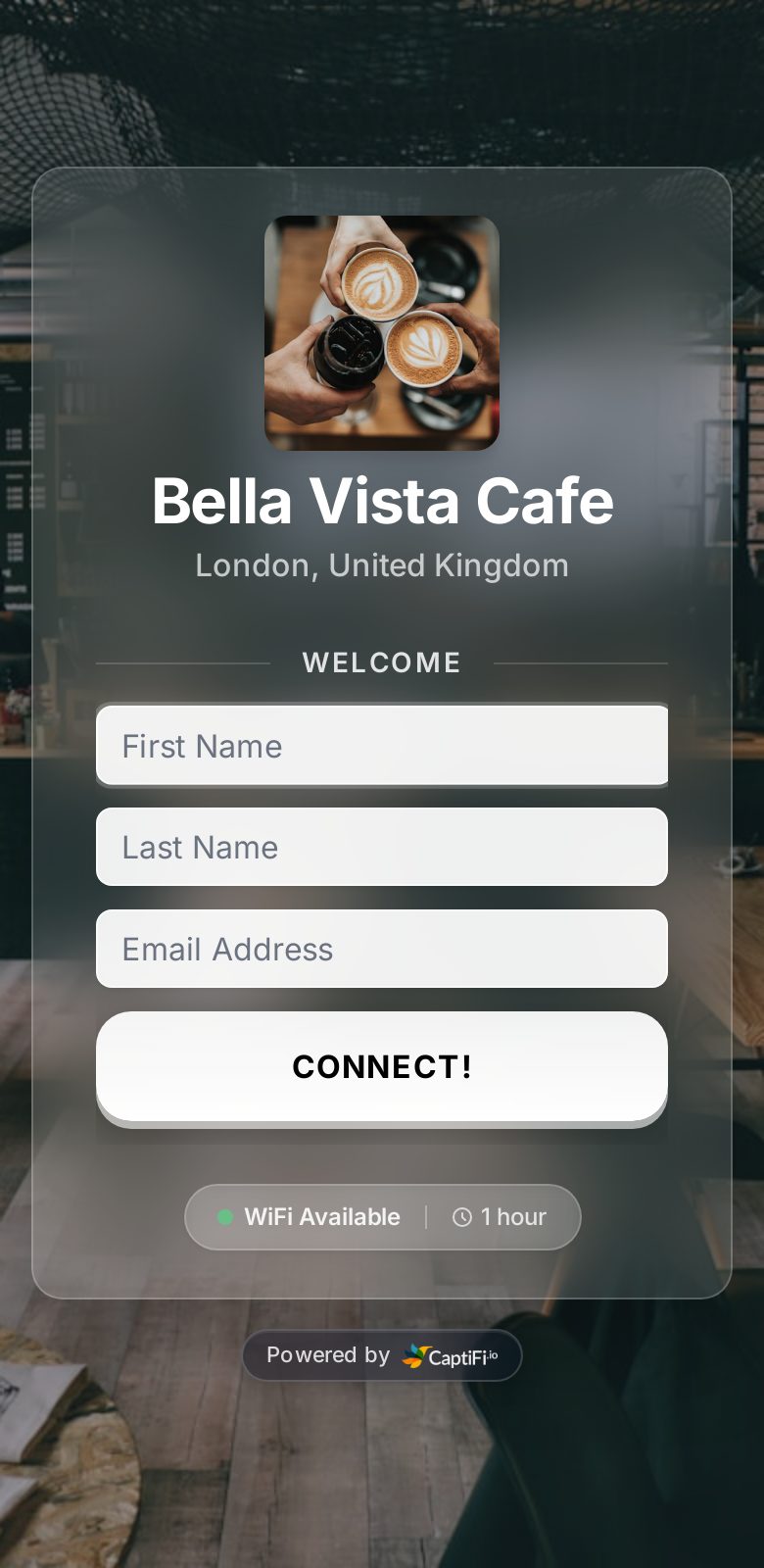
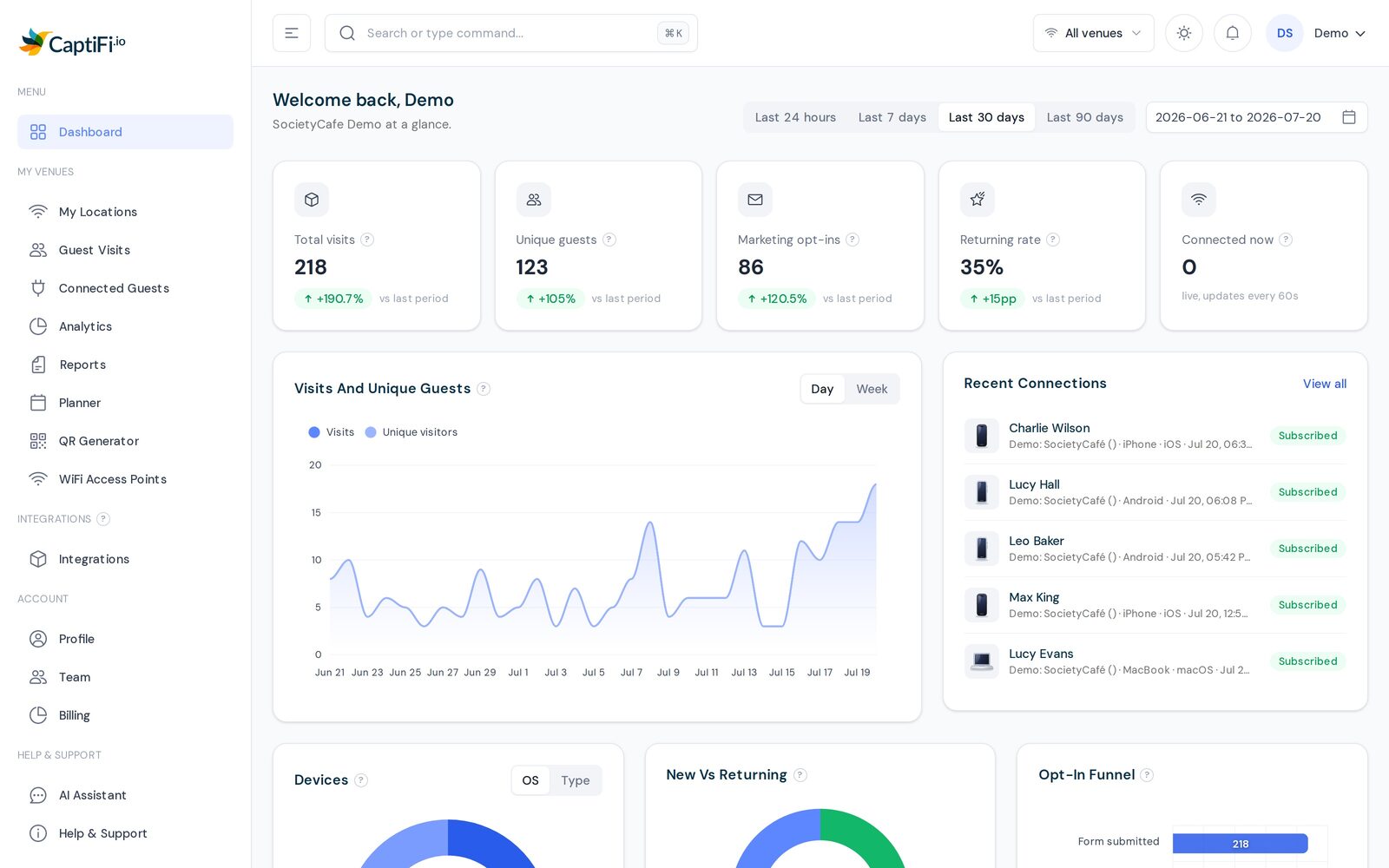
CaptiFi sits in front of your existing WiFi as the branded splash page. Your access points keep running the network; CaptiFi handles the guest email capture, GDPR consent, review automation and marketing. Here is where each supported ecosystem stands, and the setup guide to follow:
| Vendor | Supported model family | Setup difficulty | Setup guide |
|---|---|---|---|
|
EAP access points with an Omada Controller (OC200, OC300, software or cloud) | Medium | Omada setup guide |
|
All UniFi access points with a UniFi Network Application (UDM, Cloud Key or self-hosted). Consoles behind CGNAT or double NAT connect through the Remote Tunnel, with no port forwarding. | Easy | UniFi setup guide |
|
MR access points managed through the Meraki Dashboard | Easy | Meraki setup guide |
| Cisco Catalyst 9800 | Catalyst 9800 wireless controllers (and AireOS WLCs) via RADIUS with CoA | Advanced | Cisco setup guide |
|
Aruba Instant On access points via the Instant On portal | Medium | Aruba setup guide |
|
RouterOS routers running the built-in hotspot, with your portal details from CaptiFi support | Advanced | MikroTik setup guide |
|
Ruckus Unleashed access points, through a Hotspot (WISPr) service and RADIUS. SmartZone, ZoneDirector and RUCKUS One are set up by arrangement | Medium | Ruckus setup guide |
|
FortiAP access points managed by a FortiGate (FortiOS 7.x), external captive portal + RADIUS | Medium | Fortinet setup guide |
|
DrayTek routers and access points with external portal support | Medium | Guided setup with support |
No compatible kit? Use our included plug-and-play device
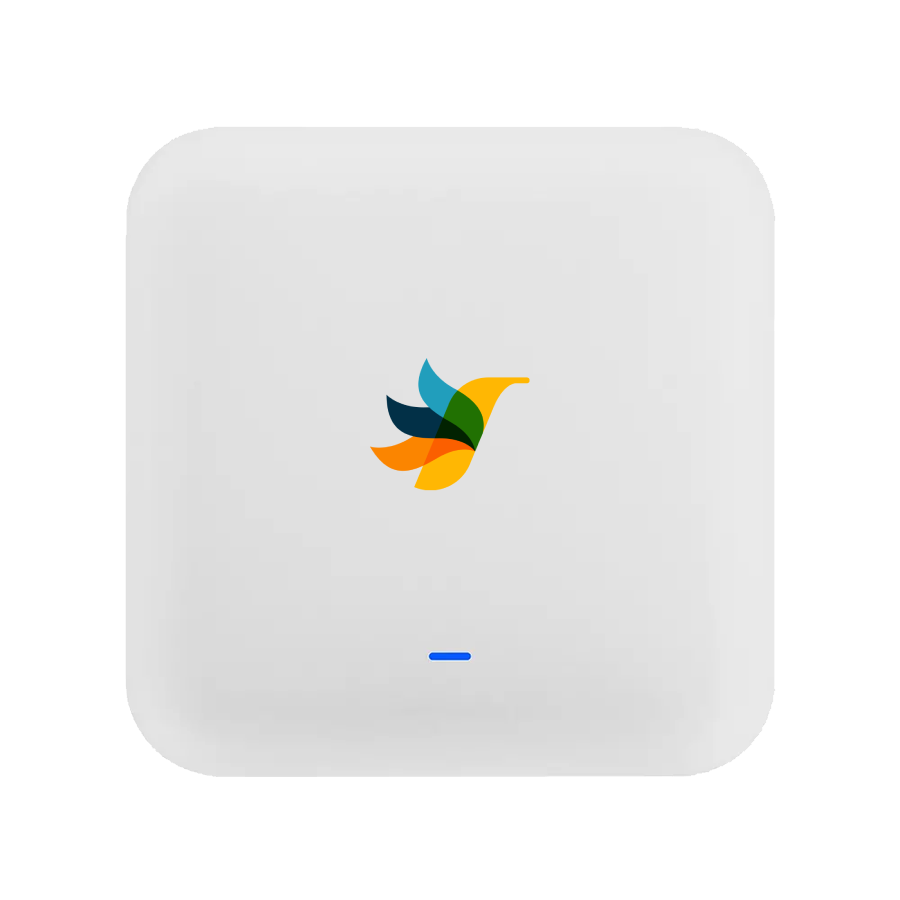
If you do not have compatible hardware, or you would simply rather not touch a controller, we post you a pre-configured CaptiFi device (included with your plan, with a refundable deposit).
Plug it into your existing network by Ethernet, enter its 8-digit activation PIN from your phone, and it pulls its config from the cloud. Your branded guest WiFi is live in about five minutes, start to finish, with no controller, static IP or firewall change. It is the zero-config path, and it runs the same marketing platform as the controller-based setups.
Learn more about our device →One-time setup, then it just works
Enter your PIN once during setup to link the device to your account. After that it is fully automatic.
Dual-band WiFi 5 (802.11ac)
A pre-configured 2.4GHz and 5GHz access point that supports 100+ simultaneous connections, powered over Ethernet with the PoE injector included in the box.
Hardware included with a refundable deposit
We take a refundable $99 deposit when you order the kit; if you cancel, return the hardware and the deposit is refunded.
Remote support included
We manage and monitor your device remotely. If anything goes wrong our team can troubleshoot it without you lifting a finger.
Setup guides and related pages
Hardware compatibility FAQ
Do I need to buy new hardware to use CaptiFi?
No. CaptiFi works with most existing access points, including TP-Link Omada, UniFi, Meraki, Aruba, MikroTik, Ruckus, Fortinet and DrayTek. If you do not have compatible hardware, we send you a plug-and-play device, included with your plan.
How does CaptiFi connect to my existing access points?
Your access points keep running the WiFi, and CaptiFi runs the sign-in page and the marketing that follows. How it connects depends on the brand. On UniFi with an API key or the Remote Tunnel, and on Omada with an Admin-role Open API app, CaptiFi sets the guest portal up on your controller for you. A Cisco WLC uses RADIUS, and CaptiFi sends the redirect in its RADIUS reply. On Meraki, Aruba, Ruckus and Fortinet you point the controller at CaptiFi's portal and add our domains to its walled garden, and MikroTik and DrayTek details come from support. Each setup guide lists the steps.
Does CaptiFi work with UniFi behind CGNAT or double NAT?
Yes. A UniFi console behind another router, on an ISP using CGNAT, or behind an ISP router you do not control connects through the Remote Tunnel: the console dials out to CaptiFi, so no inbound ports or port forwards are needed. Cloud Key Gen2 and Gen2 Plus are included. See the UniFi setup guide or the UniFi setup page.
What if my vendor is not in the matrix?
Most enterprise WiFi systems support an external captive portal redirect, which is all CaptiFi needs. Contact support and we will confirm compatibility, or send you the included plug-and-play device so vendor support does not matter.
Can I mix vendors across my venues?
Yes. You can run UniFi at one site, Omada at another and our plug-and-play device at a third, all reporting into one CaptiFi dashboard. You are never locked into a single vendor.
Will adding CaptiFi slow down my WiFi?
No. CaptiFi only handles the sign-in splash page. Once a guest is through, their traffic runs straight over your existing network.
Is guest WiFi email capture GDPR compliant on all this hardware?
The consent and data tools live in CaptiFi, so they work the same whichever access points you run. CaptiFi asks for marketing consent separately from getting online and records each guest's answer, every marketing email carries an unsubscribe link, Delete (GDPR) and Anonymise (GDPR) on the Guest Visits page handle erasure requests, and CaptiFi's data processing agreement is published. Your venue is the data controller, so compliance itself stays with you.
UniFi, Ubiquiti, Omada, TP-Link, Meraki, Cisco, Aruba, Instant On, HPE, MikroTik, RouterOS, RUCKUS, Fortinet, FortiGate, FortiAP and DrayTek are trade marks of their respective owners. CaptiFi is an independent guest WiFi platform that runs as an external captive portal on these vendors' access points and controllers. It is not made, certified, sponsored or endorsed by any of them, and vendor names appear here only to show compatibility. Setup guides describe each vendor's own configuration screens; where they differ, the vendor's documentation is the authority.
Turn your existing WiFi into a marketing machine
Start a free 30-day trial, or watch a live demo first.
CaptiFi is a guest WiFi marketing and captive portal platform for restaurants, bars, pubs, cafes, hotels, gyms, salons, retail and short-term rentals, built by CaptiFi Ltd in the UK and sold in GBP, USD, EUR, CAD, AUD and NZD to venues worldwide.