Square POS logo
Point of Sale integration

Square POS + CaptiFi

Connect CaptiFi to Square POS via Zapier in about 10 minutes. Capture emails from browsers who never buy and send review requests after every visit.

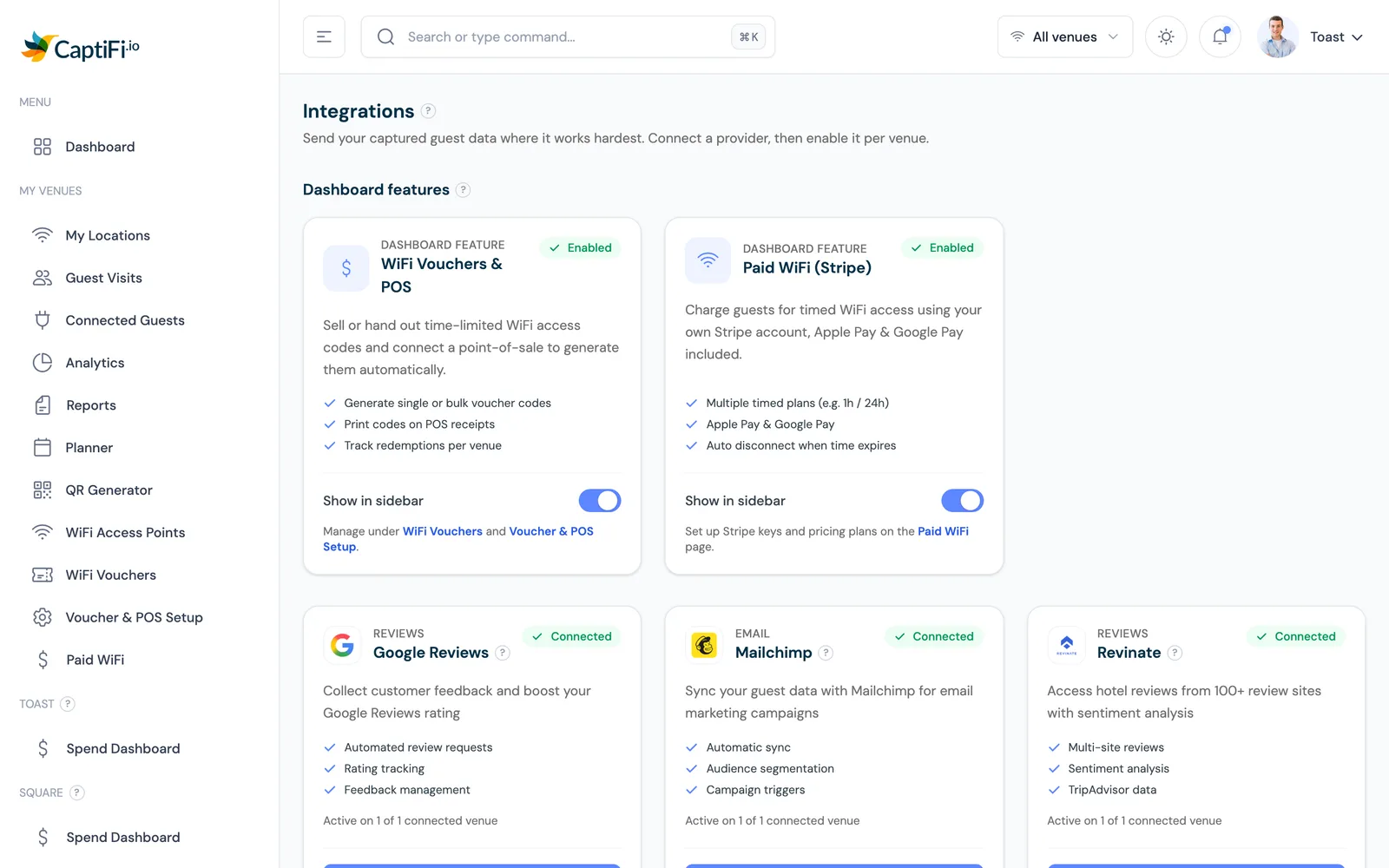
Connected through Zapier. CaptiFi does not ship a native Square connector.

Overview

What does the Square POS integration do?

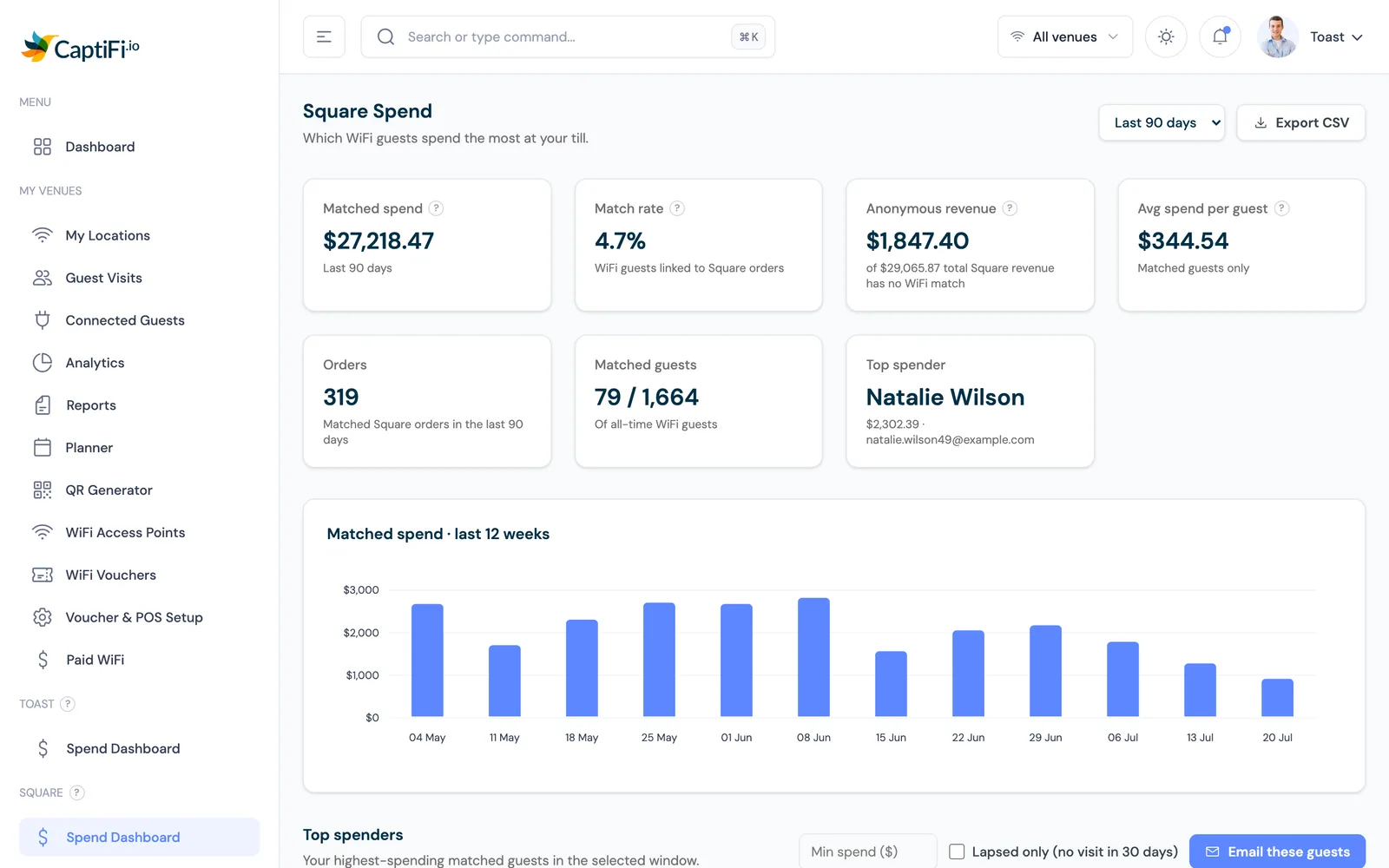
CaptiFi does not ship a native Square connector, and we will not pretend otherwise. You wire the two together through Zapier in about 10 minutes. Square sees the people who pay; CaptiFi captures an email from every guest who joins your WiFi, including the browsers who walk out without buying. Each opted-in guest can be pushed into your Square customer directory or your marketing tool, so cafes, salons and retailers can match WiFi guests to real transactions and send review requests in the days after a visit.

What you get

What syncs with Square POS

New guests into your Square directory via Zapier

Capture emails from browsers, not just payers

Trigger post-visit review requests

How it works

Connect via Zapier in about 10 minutes

1

Connect your CaptiFi account to Zapier and pick the "New WiFi guest" trigger.

2

Add Square as the action and map email, name and venue into your Square customer directory.

3

Turn the Zap on. New opted-in guests appear in Square within minutes of signing on.

What you can do

Why cafes, salons and retailers use this

  • Capture an email from every guest who joins your WiFi, including the browsers who walk out without buying anything through Square.
  • Match WiFi guests to real Square transactions over time and segment by how often they actually visit.
  • Send a Google review request a day or two after a visit, while the experience is still fresh in the customer's mind.
Worth knowing

Limits of the Zapier path

  • This is a Zapier connection, not a native one-click connector. A Zapier account is required and its task limits apply on busy sites.
  • The flow runs from CaptiFi to Square. We push opted-in WiFi guests into your Square customer directory; we do not pull individual Square sales records back into CaptiFi.
  • Only opted-in guest data is sent. If you would rather build directly against our API, CaptiFi also exports guest data via CSV, webhook and a documented REST API.
FAQs

Frequently Asked Questions

Does CaptiFi have a native Square POS integration?
No. There is no native one-click connector. You connect CaptiFi to Square through Zapier, which takes about 10 minutes to set up and works on every paid plan, including the 30-day free trial. The only POS CaptiFi connects to natively is Toast.
Why connect Square to my guest WiFi?
Square only sees the people who pay. CaptiFi captures an email from every guest who joins your WiFi, including the browsers who leave without buying, so cafes, salons and retailers can build a marketing list and send review requests after a visit.
What data flows into Square?
New opted-in guest contacts, with their email, name and venue, are pushed into your Square customer directory or your marketing tool through Zapier. The flow runs from CaptiFi to Square, not the other way around.
Is guest consent respected?
Yes. Only guests who opt in on the splash page are sent, and their consent state travels with them so your review requests and campaigns stay GDPR and PECR compliant.

Start using Square POS with CaptiFi today

30-day free trial. No credit card required. Cancel anytime.